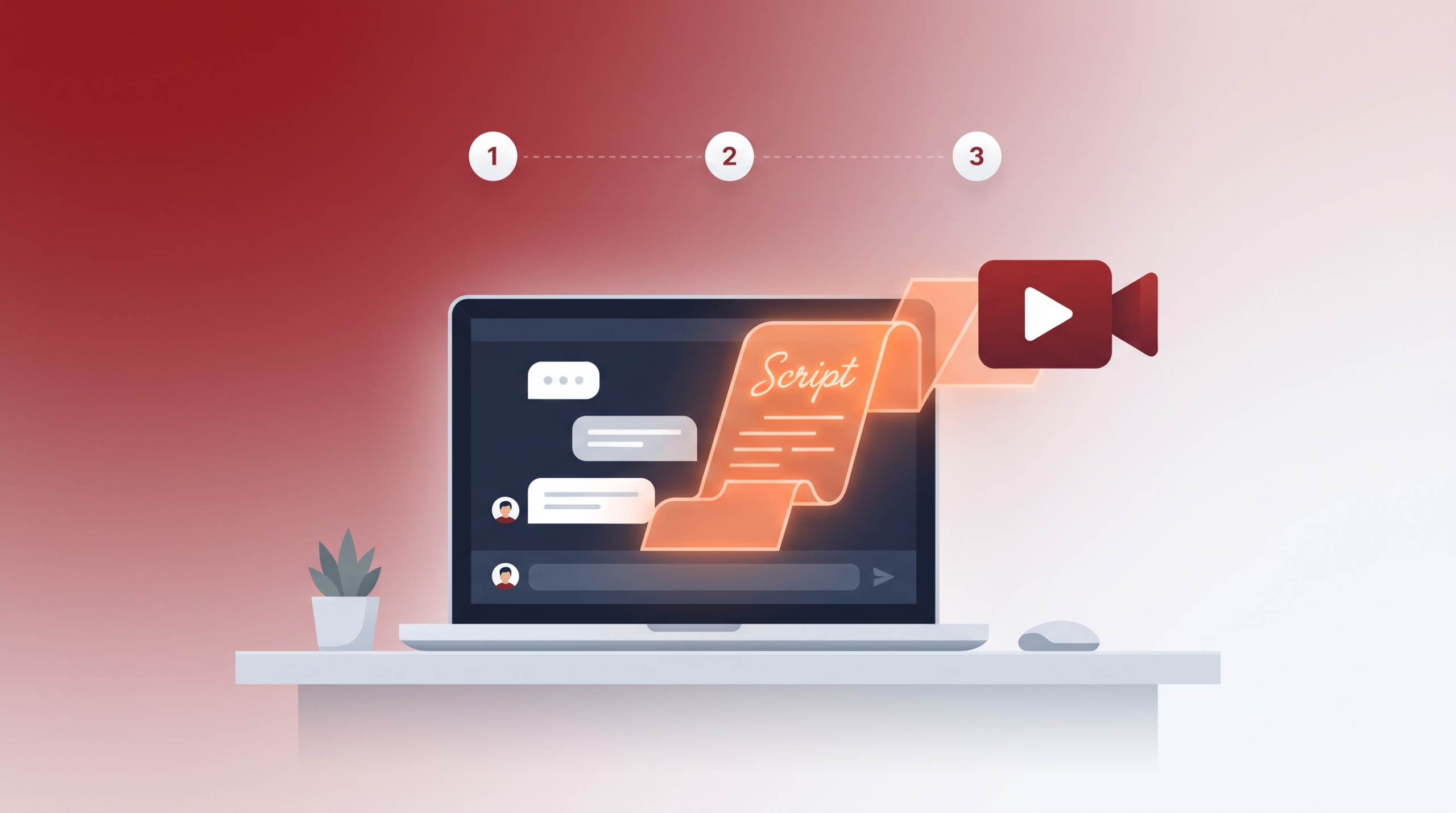
Most guides tell you “use ChatGPT to write YouTube scripts” without actually showing you how. You open a new chat, type “Write me a YouTube script about X,” and get back something generic, robotic, and nothing like what successful creators actually publish. The problem isn’t ChatGPT — it’s the prompt.
This guide walks through the exact step-by-step process and prompts to turn ChatGPT into a genuinely useful scriptwriting partner, from your first idea to a finished, ready-to-record script.
Why Generic Prompts Produce Generic Scripts
If you type “write a YouTube script about productivity tips,” ChatGPT has almost nothing to work with — no audience, no tone, no format, no length. It fills in the blanks with the most statistically average version of that topic, which is exactly why the output feels flat and sounds like every other AI-written script online.
The fix is giving ChatGPT the same context a human scriptwriter would need before starting: who the video is for, what platform-specific structure it needs to follow, what tone the channel has, and what specific angle makes this video worth watching over the hundred other videos on the same topic.
Step 1: Give ChatGPT Your Channel Context First
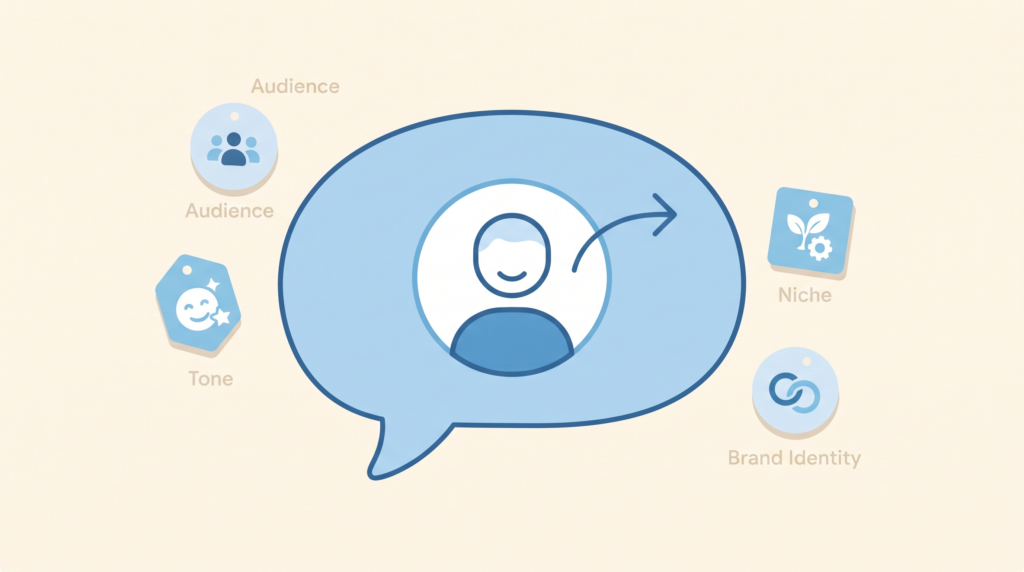
Before asking for anything script-related, start a conversation by describing your channel. This single step improves every output that follows.
Prompt to use:
“I run a YouTube channel about [your niche]. My audience is [describe them — e.g., beginners, professionals, a specific age group]. My tone is [e.g., casual and funny, calm and educational, high-energy and fast-paced]. Remember this context for the rest of our conversation.”
Once you’ve done this, ChatGPT will carry that context forward in the same conversation, meaning every script it writes afterward is shaped around your specific channel instead of a generic default.
Step 2: Nail the Hook First, Separately
The first 15-30 seconds of a YouTube video determine whether someone keeps watching or clicks away, so it deserves its own dedicated prompt rather than being buried inside a “write the whole script” request.
Prompt to use:
“Give me 5 different hook options for a video about [your topic]. Each hook should be under 15 seconds when spoken aloud, create curiosity or urgency, and avoid generic phrases like ‘in this video’ or ‘today we’re going to talk about.'”
Read through the 5 options, pick the one that feels most natural in your own voice, or ask ChatGPT to combine elements from two of them. Don’t settle for the first hook it gives you — the variety is the point.
Step 3: Build the Outline Before the Full Script
Jumping straight to “write the full script” skips the structural thinking that makes a script actually watchable. Get the outline right first.
Prompt to use:
“Based on the hook we picked, create a bullet-point outline for this video. Structure it as a hook, a quick preview of what’s covered, [X] main sections with a one-line description of each and a closing call to action. Keep the total video length around [X] minutes.”
Review this outline critically before moving on. Does the order make sense? Is anything missing that your audience would expect? This is the easiest stage to catch structural problems before you’ve written full paragraphs around a flawed structure.
Step 4: Write Section by Section, Not All at Once
Asking for an entire script in one prompt tends to produce shallow, rushed sections that all sound the same length and tone. Writing section by section, referencing your outline, produces noticeably better and more varied results.
Prompt to use (repeat for each section):
“Now write the full script for section [X]: [section topic from the outline]. Write it exactly as I would say it out loud, in a conversational tone, not like a formal essay. Include natural pauses and transitions. Aim for about [X] words for this section.”
Writing this way also makes editing far easier — if one section feels off, you can regenerate just that section without touching a script you already liked elsewhere.
Step 5: Ask for a Natural Call-to-Action
Most AI-generated calls-to-action sound identical (“don’t forget to like and subscribe”) because that’s the most common phrasing across the training data. Push for something more specific to your video.
Prompt to use:
“Write a call to action for the end of this video that connects back to what the video was actually about, rather than a generic subscribe reminder. Suggest 2-3 options with different angles—one that references the video’s content, one that asks a genuine question to drive comments, and one that points to a related video.”
Step 6: Run a “Read It Out Loud” Pass
Before recording, paste the full script back into ChatGPT for one more pass focused specifically on how it sounds spoken, not just how it reads.
Prompt to use:
“Read through this script as if you were about to say it out loud on camera. Flag any sentences that sound unnatural, too formal, or hard to say in one breath, and suggest a more conversational alternative for each.”
This step catches the specific problem where AI-written text reads fine silently but sounds stiff or awkward when spoken—one of the most common giveaways of an unedited AI script.
Step 7: Personalise With Your Own Stories and Opinions
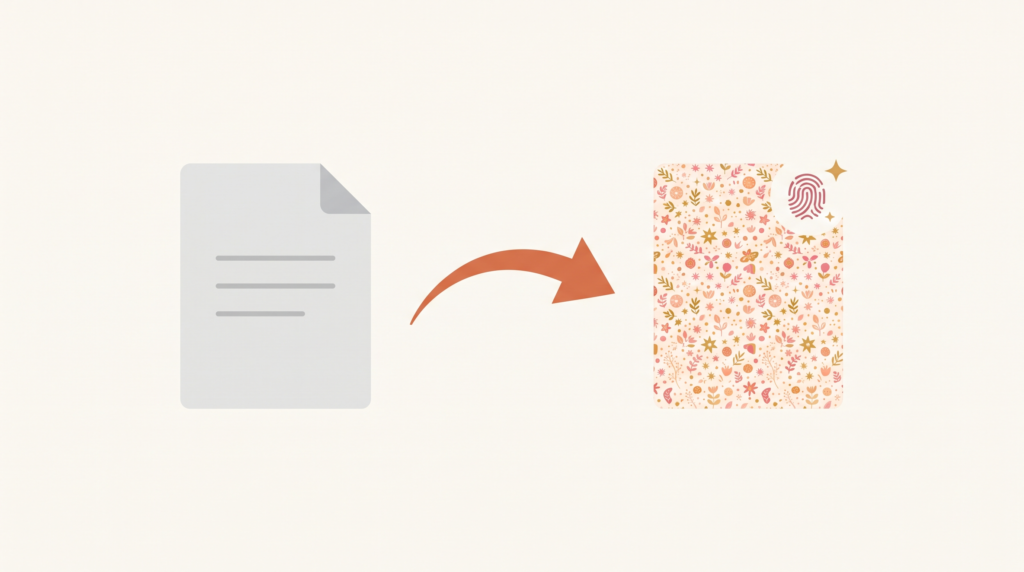
This is the step that separates a script that sounds like “an AI wrote this” from one that sounds genuinely like you. ChatGPT can structure and draft, but it doesn’t know your specific experiences, opinions, or the small personal details that make content feel authentic.
Prompt to use:
“Here’s a section of the script. I want to add a personal story/opinion here: [briefly describe your story or take]. Help me weave this in naturally without making the section too long.”
Do this for at least 2-3 spots throughout the script — an opening hook that references something real, a personal opinion in the middle, and a specific example only you would know. These moments build trust and connection over time, and they’re the parts AI genuinely cannot generate on its own.
A Complete Prompt Sequence You Can Copy
For a quick reference, here’s the full sequence in order:
- Context: “I run a YouTube channel about [niche]. My audience is [description]. My tone is [tone]. Remember this for our conversation.”
- Hooks: “Give me 5 different hook options for a video about [topic]…”
- Outline: “Create a bullet-point outline structured as hook, preview, [X] sections, and a closing CTA…”
- Section-by-section script: “Write the full script for section [X]…” (repeat per section)
- Call-to-action: “Write a CTA that connects back to this video’s specific content…”
- Read-aloud pass: “Read through this script as if speaking it aloud and flag unnatural sentences…”
- Personalisation: “Help me weave in this personal story/opinion naturally…”
Common Mistakes to Avoid
Skipping the outline step. Going straight from hook to full script often produces a script that rambles or loses structure halfway through. The outline step catches this before you’ve written a single paragraph of dialogue.
Accepting the first draft without a read-aloud pass. Text that looks fine on screen often sounds stiff or over-explained when spoken aloud. Always read your script (or have ChatGPT review it) with speaking cadence in mind, not just reading comprehension.
Never adding your own voice. A script built entirely from these prompts without any personal input will still sound noticeably generic compared to scripts from creators who add real opinions and stories. Step 7 isn’t optional if you want the video to actually perform.
Using overly long single prompts. Asking ChatGPT to “write a hook, outline, full script, and CTA all at once” tends to produce shallower results across every section, since the model is juggling too many instructions simultaneously. Breaking it into stages consistently produces better quality at each step.
Ignoring your video’s actual length target. If you don’t specify a target length or word count, ChatGPT may generate a script far too short or long for your typical video format, requiring extra editing to fix later.
Frequently Asked Questions
Will using ChatGPT for scripts make my videos sound robotic?
Only if you use the output exactly as generated without the personalisation step. Following the full sequence above — especially reading it aloud and adding your own stories and opinions — produces scripts that sound like a genuinely faster version of your own writing process, not a generic AI voice.
How long should each ChatGPT session take to write a full script?
For a 10-minute video script, following this process typically takes 20-40 minutes total, including the read-aloud pass and personalisation. This is still significantly faster than writing a full script from scratch, while producing noticeably better results than a single “write my script” prompt.
Do I need ChatGPT Plus, or does the free version work for this?
The free version of ChatGPT is sufficient for this entire process. The techniques here rely on how you structure your prompts and conversation, not on any specific paid-tier feature.
Should I use this same process for YouTube Shorts scripts?
Yes, with adjustments—shorts scripts are much shorter (15-60 seconds), so you can combine the hook and outline steps into a single prompt and skip straight to a tightly focused, single-section script rather than a multi-section outline.
What if ChatGPT’s output still sounds too formal even after these steps?
Add a specific instruction like “write this at a 6th-grade reading level” or “write this the way I would explain it to a friend, not the way a textbook would explain it” to your section-writing prompts. Being explicit about reading level and register consistently produces more conversational results.
The Bottom Line
The difference between a flat, generic ChatGPT script and one that actually sounds like a real creator isn’t the tool — it’s the process. Give ChatGPT your channel’s context upfront, build the hook and outline before diving into full paragraphs, write section by section instead of all at once, and always finish with a read-aloud pass and your own personal touches. Followed properly, this sequence turns ChatGPT from a generic text generator into a genuinely useful scriptwriting partner that saves real time without sacrificing the authenticity that keeps viewers watching.
Looking for more ways to use AI in your content creation workflow? Check out our guides on free AI tools to convert WhatsApp voice notes to text and the best free AI tools to summarise PDF notes.