
Between semester workload, part-time jobs, and multiple assignment deadlines landing in the same week, most Pakistani university and college students are looking for a genuine way to work faster without cutting corners on quality. In 2026, free AI tools have become a real part of that answer — not to write assignments for you, but to help you research faster, structure your arguments better, fix your English, and cut down the hours spent staring at a blank page.
This guide covers the best free AI tools for Pakistani students specifically, how to use each one properly for assignments, and how to stay within your university’s academic integrity rules while still saving real time.
Why This Guide Is Different for Pakistani Students
Most “AI tools for students” guides are written for a general, mostly Western audience. But Pakistani students face a few specific realities that change which tools are actually useful:
- English as a second language. Many students think in Urdu and write in English, so grammar and clarity tools matter more here than for native English speakers.
- HEC and university plagiarism policies. Pakistani universities (following HEC guidelines) are increasingly strict about AI-generated content and plagiarism, so tools need to be used to support your own writing, not replace it.
- Slower or costlier internet. Free tools that work well on lower bandwidth or offer lightweight mobile access matter more here than in guides written assuming fast, unlimited broadband.
- Local university formatting expectations. Many Pakistani universities use specific citation styles and report formats that generic AI writing advice doesn’t address.
With that context, here are the tools that genuinely help.
1. ChatGPT (Free Version)
ChatGPT remains the most flexible starting point for assignment work — explaining a difficult concept in plain language, brainstorming essay angles, or breaking a vague assignment prompt into a clear outline you can actually follow.
Best for:
Understanding assignment requirements, brainstorming structure, and getting simple explanations of difficult topics before you write.
How to use it for assignments without crossing the line:
Ask it to explain a concept or suggest an outline structure, then write the actual content yourself in your own words. Many Pakistani universities now check submissions against AI-detection tools, so treat ChatGPT as a tutor, not a ghostwriter.

2. Claude (via claude.ai)
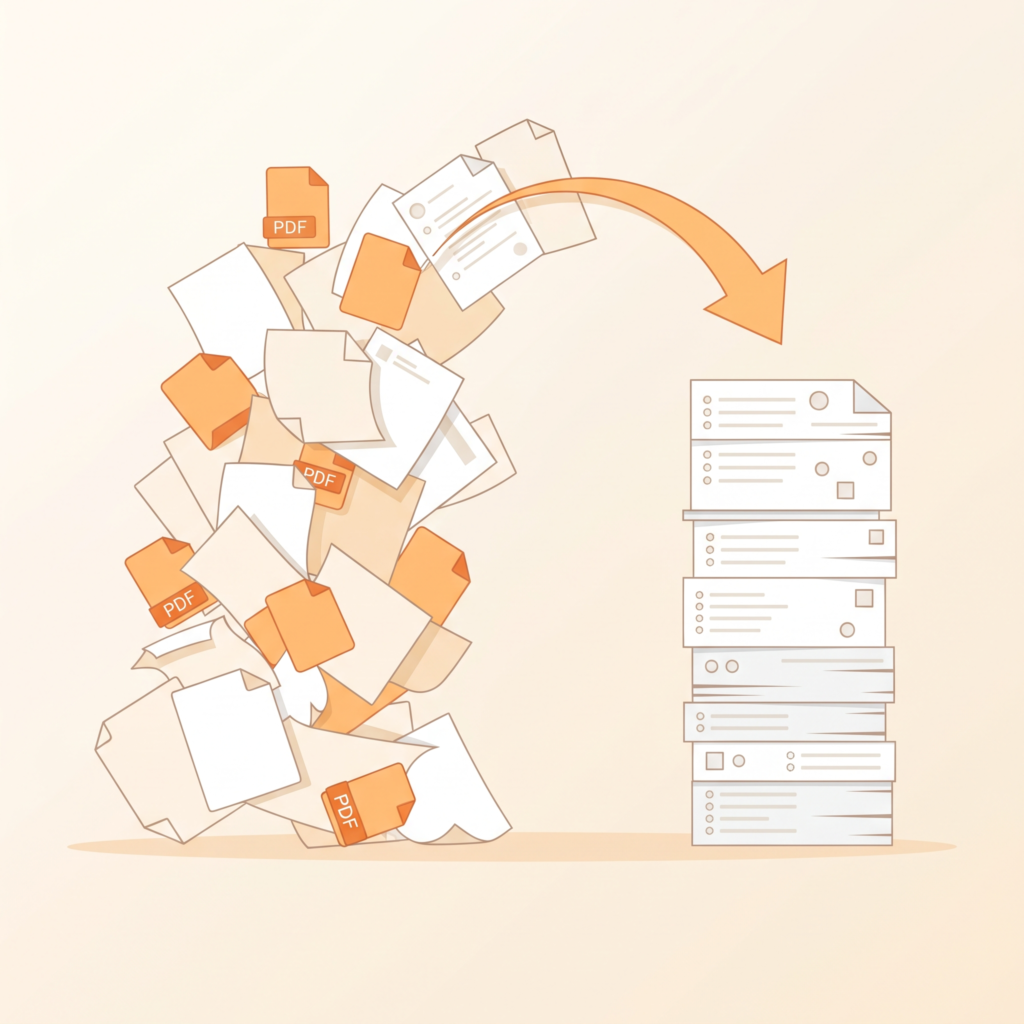
Claude is particularly strong with longer, more complex assignments — research reports, literature reviews, or anything where you need to feed in reference material (like a PDF of lecture slides or a research paper) and get help understanding or restructuring it.
Best for:
Long assignments and reports where you need help organising large amounts of source material into a coherent structure.
How to use it for assignments without crossing the line:
Upload your own notes or the assigned reading, and ask Claude to help you understand it or check whether your draft covers the key points — rather than asking it to generate the final answer from scratch.
3. Grammarly (Free Plan)
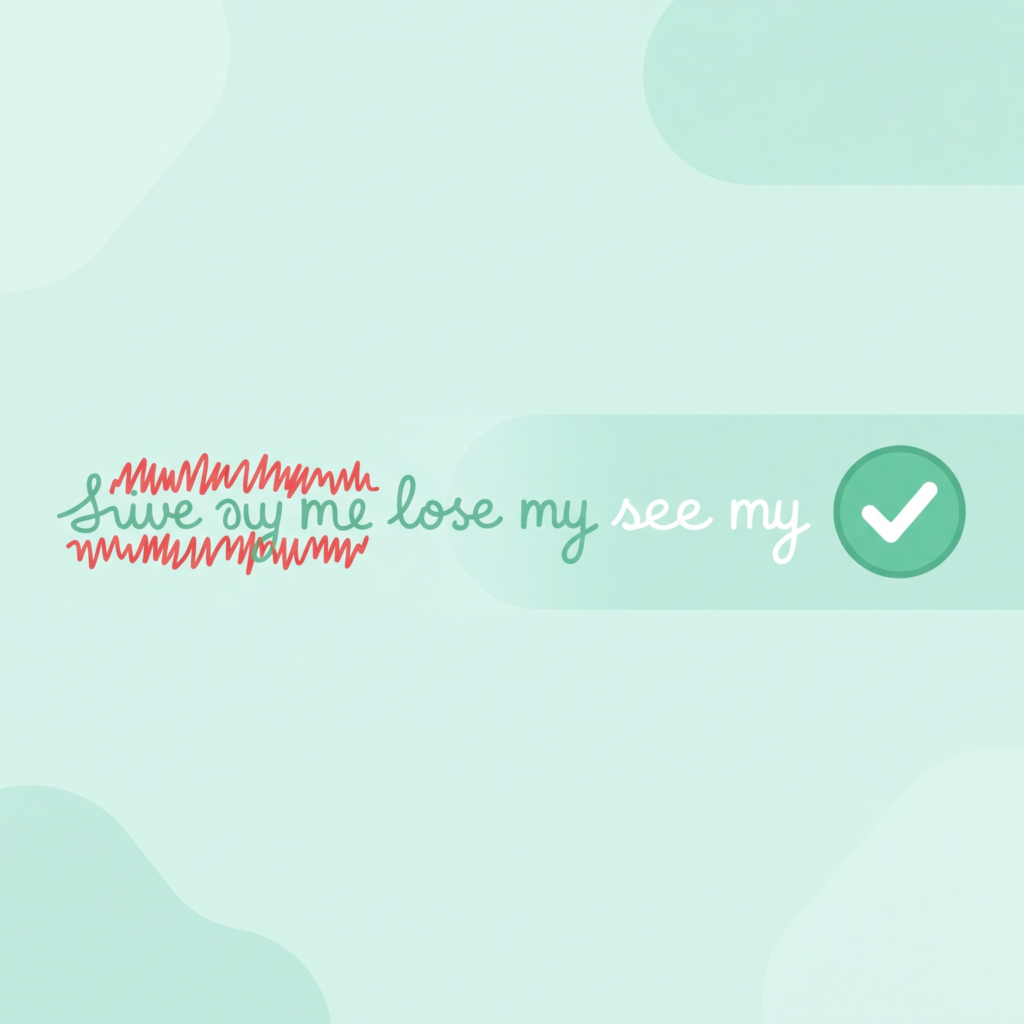
Grammarly checks grammar, spelling, and sentence clarity, which matters enormously for students writing academic English as a second language. The free plan catches most common mistakes that quietly cost marks on written assignments.
Best for:
Cleaning up grammar and sentence structure in assignments, reports, and emails to professors.
How to use it for assignments without crossing the line:
Grammarly correcting your grammar is completely standard and accepted practically everywhere — it’s polishing your own writing, not generating new content, so this is one of the safest tools on this list to use freely.
4. QuillBot (Free Plan)
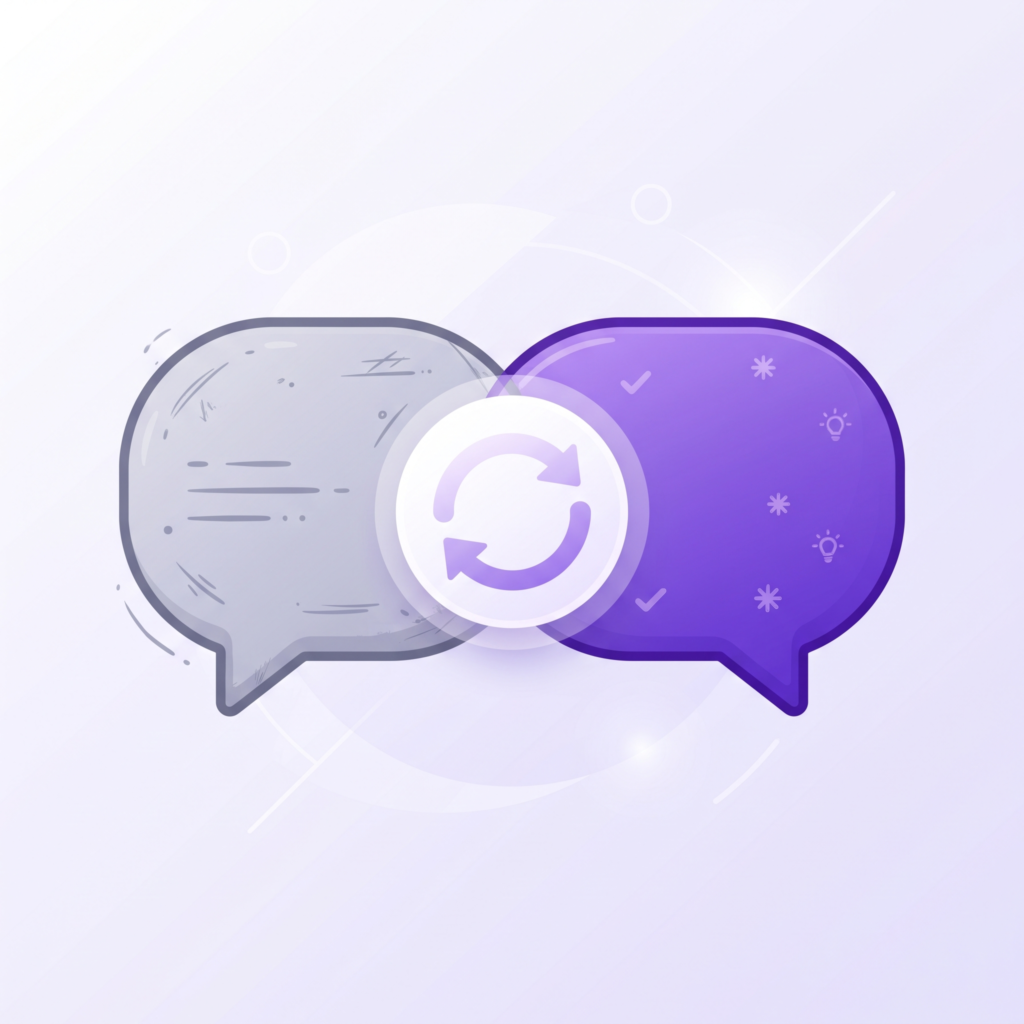
QuillBot’s paraphrasing tool helps rephrase awkward or overly complex sentences into clearer academic English, and its free summariser can condense long textbook passages into shorter overviews.
Best for:
Rewriting clunky sentences in your own draft into clearer academic language and summarising long readings quickly.
How to use it for assignments without crossing the line:
Use it to improve sentences you’ve already written, not to paraphrase someone else’s published work and submit it as your own — that’s still plagiarism even after rephrasing, and most Pakistani universities’ plagiarism checkers can catch heavily paraphrased text.
5. Google NotebookLM
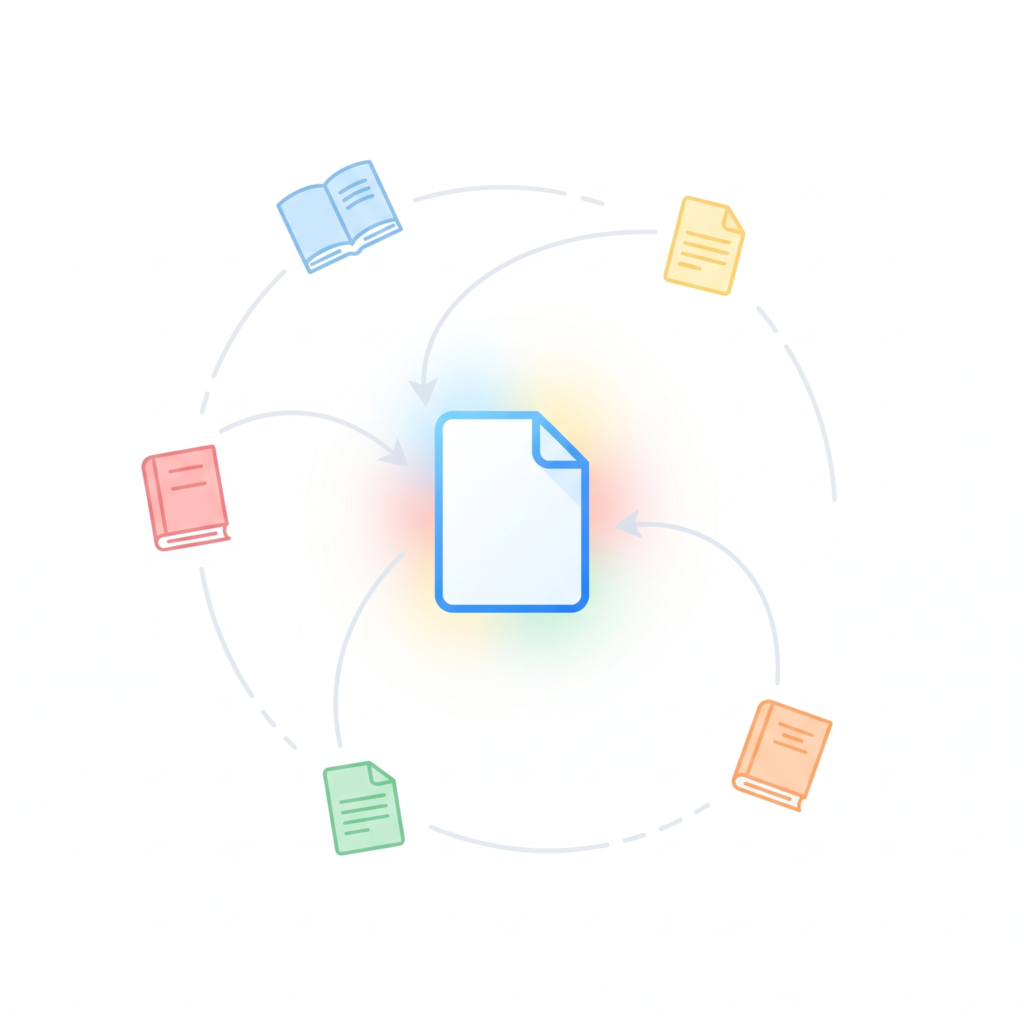
NotebookLM lets you upload all your lecture slides, textbook chapters, and reading material for a single assignment or course, then ask questions across all of them together, which is especially useful for research-heavy assignments and literature reviews.
Best for:
Assignments requiring you to synthesise information from many different sources at once.
How to use it for assignments without crossing the line:
Use it to understand and organise your source material faster, then write your actual analysis and argument yourself — NotebookLM is a research aid, not a writer.
6. Perplexity AI (Free Plan)
Unlike a typical AI chatbot, Perplexity is built around research with visible citations, meaning when you ask it a question, it shows you exactly which sources it pulled the answer from — extremely useful for assignments requiring proper referencing.
Best for:
Research-based assignments where you need to find and verify sources quickly, with citations you can actually check and use in your bibliography.
How to use it for assignments without crossing the line:
Use the citations it surfaces to go read the sources yourself, and cite those sources properly in your assignment — don’t cite Perplexity itself as a source.
7. Canva AI (Free Plan)
For assignments requiring presentations, posters, or visual reports, Canva’s free AI features (Magic Design, background removal, and text-to-image within limits) help produce clean, professional-looking visuals quickly.
Best for:
Presentation assignments, project posters, and visual reports where design quality matters alongside content.
How to use it for assignments without crossing the line:
Purely visual and design work, so there’s no academic integrity concern here — this is safe to use freely for any presentation-based assignment.
Quick Comparison: Which Tool for Which Assignment Type
| Assignment Type | Best Tool |
|---|---|
| Understanding a difficult topic | ChatGPT or Claude |
| Long research report or literature review | Claude or Google NotebookLM |
| Fixing grammar and English clarity | Grammarly |
| Rewriting your own clunky sentences | Quillbot |
| Research with citations you can verify | Perplexity AI |
| Presentations and visual reports | Canva AI |

How to Use AI Tools Without Violating University Policy
This is the part most guides skip, and it matters most for Pakistani students right now, since universities have been tightening plagiarism and AI-use policies significantly.
1. Check your specific university’s policy first. HEC guidelines set a general direction, but individual universities and even individual departments often have their own specific rules about acceptable AI use. Some allow AI for research and brainstorming but prohibit AI-generated final text entirely; others are stricter. Always check your student handbook or ask your instructor directly if unsure.
2. Use AI for understanding, not for final output. The safest and most defensible use of AI across nearly every policy is using it to understand a topic, organise your thoughts, or check your own grammar — not to generate the paragraphs you submit.
3. Always write your actual argument yourself. AI can help you understand a source or organise your notes, but the analysis, opinion, and argument in your assignment should come from your own thinking. This isn’t just about avoiding detection — it’s genuinely where the learning happens.
4. Keep your research trail. If you use Perplexity or NotebookLM to find sources, keep a note of the sources you actually read and cited, in case you need to explain your research process to an instructor.
5. Run your final draft through your university’s plagiarism checker if available. Many Pakistani universities provide Turnitin or similar access to students before final submission — use it to catch any accidental over-reliance on AI phrasing before you submit.
Common Mistakes Students Make
Copy-pasting AI output directly into assignments. Beyond the academic integrity risk, AI-generated text often has a noticeably different tone and style from a student’s own writing, which experienced instructors can often spot even without a formal detector.
Trusting AI-generated facts and statistics without verification. AI tools can occasionally state something confidently that isn’t accurate, especially specific numbers, dates, or citations. Always verify any fact or statistic before including it in a graded assignment.
Using paraphrasing tools as a plagiarism workaround. Running someone else’s published paragraph through QuillBot and submitting it as your own is still academic dishonesty, and modern plagiarism detection tools are increasingly good at catching heavily paraphrased text.
Ignoring citation requirements. AI tools don’t automatically format citations in the specific style (APA, MLA, or a university-specific format) your assignment requires. Always double-check and manually format your references according to your assignment’s actual requirements.
Relying entirely on one tool for everything. Different tools are built for different jobs — using ChatGPT for grammar checking or Grammarly for research means missing what each tool is actually best at.
Frequently Asked Questions
Will my university know if I used AI for my assignment? Many Pakistani universities now use AI-detection software alongside traditional plagiarism checkers like Turnitin. Detection isn’t perfect, but heavily AI-generated text is often flagged. The safest approach is always to use AI to support your own writing and thinking, not to replace it.
Is it allowed to use ChatGPT to understand my assignment topic? Generally yes — using AI to understand a topic or concept is different from using it to generate your submitted answer. However, always check your specific university and instructor’s policy, since rules do vary between institutions and even between courses.
Which of these tools works well on a slower internet connection? Grammarly andQuillBot’ss browser extensions tend to be lightweight and work reasonably well on slower connections since they process text rather than large files. Tools involving file uploads (like NotebookLM with many PDFs) may be slower on limited bandwidth.
Can I use these tools for group assignments? Yes, though it’s worth agreeing within your group on how AI will be used (for research vs. for drafting), so the final submission reflects a consistent voice, and everyone contributes their own genuine understanding.
Are there free AI tools built specifically for Pakistani students? Most widely used AI tools are global rather than Pakistan-specific, but the ones listed here (especially the free tiers) work well regardless of location and don’t require anything beyond a stable internet connection and an email to sign up.
Building a Weekly AI-Assisted Study Routine
Rather than reaching for these tools only in a last-minute panic before a deadline, they work best as part of a routine throughout the semester:
When an assignment is given: Use ChatGPT or Claude immediately to break down exactly what the assignment is asking for, especially if the wording is vague or the marking rubric is unclear. Understanding the actual requirement early prevents wasted work later.
During research: Use Perplexity to quickly identify credible sources on your topic, then read the sources yourself rather than relying only on the AI’s summary of them. For assignments involving many readings, NotebookLM can help you keep track of which source said what.
While drafting: Write your own first draft without AI assistance for the core argument and analysis — this is where your actual understanding and grade-worthy thinking happen. Once you have a rough draft, that’s the right time to bring in Grammarly for language cleanup and QuillBot for any sentences that feel awkward.
Before submission: Read through your final draft one more time yourself, checking that every claim is something you can defend if your instructor asks a follow-up question about it. If AI helped you understand a concept, make sure you genuinely understand it now, not just that the words are on the page.
For group projects: Agree as a group on which tools are fair to use and for what (research vs. actual drafting), so the final submission has a consistent voice and every member has genuinely contributed their own thinking, not just compiled AI output from different people.
A Note on Language and Writing Style
One challenge specific to many Pakistani students is that academic English doesn’t always come naturally when your first language is Urdu, Punjabi, Sindhi, Pashto, or another regional language. AI tools can help here in a genuinely useful way, beyond just catching typos:
Ask for simpler phrasing first, then improve it. If you’re not sure how to phrase an academic sentence, try writing it in simpler English first, even if it sounds a bit basic, then ask Grammarly or QuillBot to help make it sound more polished and formal. This keeps the actual idea yours while improving the delivery.
Watch for tone mismatches. AI-suggested rephrasing sometimes shifts your sentence into a tone that doesn’t match the rest of your writing or uses vocabulary that feels unnatural coming from you. Read suggestions critically rather than accepting every change automatically.
Build your own vocabulary over time. Rather than always outsourcing phrasing to AI, take note of new academic phrases or transition words each tool suggests, and try using them yourself in future assignments. This turns each assignment into genuine language-learning practice rather than a one-time fix.
Use AI to check the formal register, not to write your ideas. There’s a meaningful difference between “help me say this idea more formally” and “write this paragraph for me” — the first keeps your thinking intact while improving delivery; the second replaces your thinking entirely.
What to Do If Your University Restricts AI Tools Entirely
Some Pakistani universities and specific departments have moved toward stricter policies, banning AI assistance for graded written work entirely. If that’s your situation:
- Still use free versions for personal understanding outside of graded work, such as studying for exams or understanding a concept before a lecture, where the restriction typically doesn’t apply.
- Ask your instructor directly if you’re unsure whether a specific use case (like grammar checking) falls inside or outside the restriction — most instructors would rather clarify upfront than deal with an issue after submission.
- Rely more heavily on traditional resources like your university’s writing centre, study groups, and office hours, which remain fully within any policy and often provide feedback more tailored to your specific course than a general AI tool can.
The Bottom Line
The Pakistani students who benefit most from AI tools in 2026 are the ones using them as a research and clarity aid, not a replacement for their own thinking and writing. Start with ChatGPT or Claude to understand your assignment and organise your ideas, use Grammarly to polish your English, and bring in Perplexity or NotebookLM when an assignment specifically requires heavier research. Used this way, these tools save real hours every week without putting your grades or academic standing at risk.
Looking for more free AI tools for studying? Check out our guides on the best free AI tools to summarise PDF notes and turn lecture slides into study notes.