Introduction
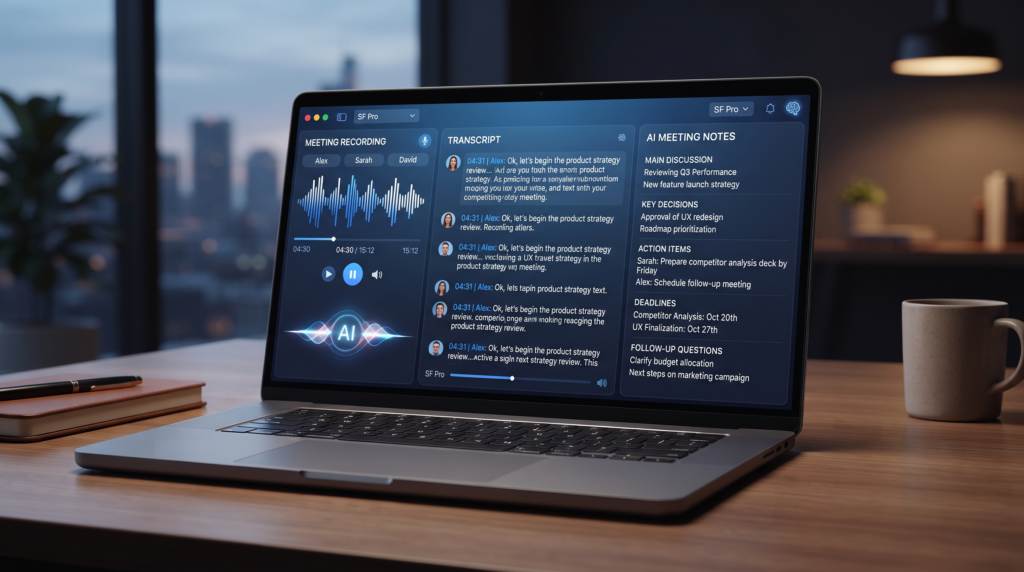
Meeting recordings can contain a lot of useful information, but going back through an entire recording to find important points can take a lot of time. You may need to remember what was discussed, identify decisions, find assigned tasks, and figure out what needs to happen next.
AI can make this process much easier, especially when you use the right AI tools.
With the right workflow, you can use AI to turn a meeting recording or transcript into organized notes, a clear summary, action items, and even a follow-up email. Instead of manually writing everything down, you can let AI organize the information while you focus on the actual conversation.
In this guide, we’ll show you how to turn meeting recordings into useful notes and action items with AI, which prompts to use; how to check the results for mistakes; and how to build a simple workflow you can reuse after every meeting.
Quick Tip
AI-generated meeting notes should be treated as a starting point, not a perfect record. Always check important decisions, names, deadlines, numbers, and assigned tasks against the original recording or transcript.
What Can AI Do With a Meeting Recording?
AI can do much more than create a transcript from a meeting recording. When given a recording or transcript, an AI tool can organise the conversation into useful information that is easier to review.
Depending on the tool and the quality of the recording, AI can help you:
- Create a transcript of the conversation.
- Summarise the main points discussed.
- Identify important decisions.
- Extract tasks and action items.
- Identify who is responsible for each task.
- Find deadlines mentioned during the meeting.
- Organise notes by topic.
- Create follow-up emails.
- Generate questions or points that need clarification.
- Turn a long meeting into a short review document.
This can be especially useful when a meeting lasts 30 minutes, one hour, or even longer. Instead of searching through the entire recording later, you can start with an organized summary and then return to the original recording when you need to verify an important detail.
Recording vs. Transcript: Which Is Better for AI?
If your AI tool can directly process the recording, you can provide the recording and ask it to analyze the conversation.
If the tool cannot process your audio or video file, you can first create a transcript and then give the transcript to an AI assistant.
A transcript is often easier for AI to analyze because the spoken conversation has already been converted into text. However, automatic transcripts can contain mistakes, especially when speakers talk quickly, use technical terms, or speak over one another.
💡 Corzelan Tip
For important meetings, keep the original recording even after creating AI notes. If an important decision, deadline, or task looks incorrect in the AI-generated summary, use the original recording to verify it.
How to Turn a Meeting Recording Into Notes With AI
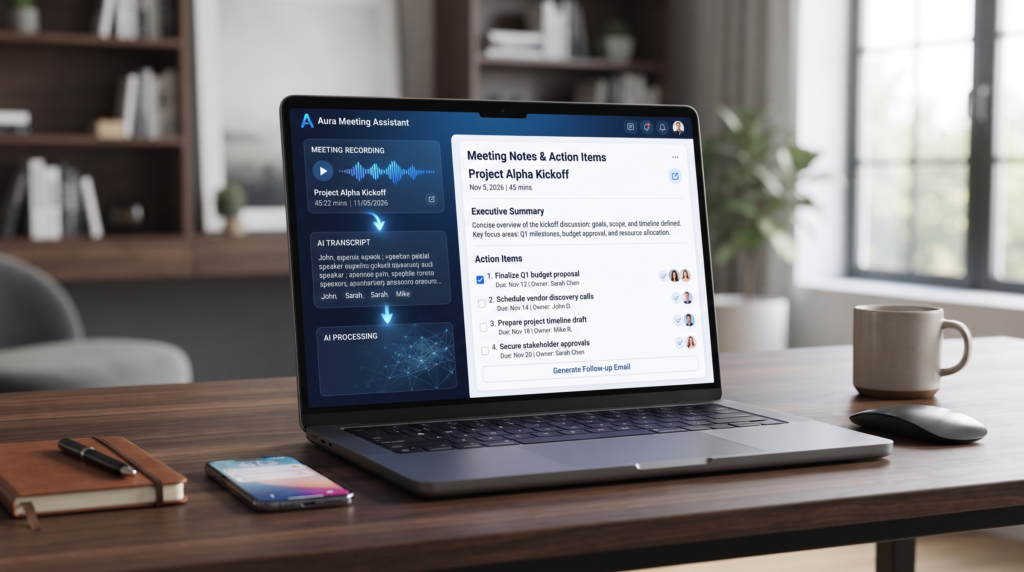
The first useful step is turning the conversation into organized meeting notes. Instead of asking AI to summarise the recording in just a few sentences, give it clear instructions about the information you want to keep.
A good meeting-notes prompt should tell AI to separate the main discussion, decisions, tasks, deadlines, and unanswered questions. This makes the final notes much easier to review later.
AI Prompt for Creating Meeting Notes
Analyze the meeting recording or transcript I provided and create clear, organized meeting notes.
Follow these instructions:
- Write a short overview of the meeting.
- Identify the main topics discussed.
- Summarise the important points under each topic.
- List all decisions that were made.
- Identify every action item mentioned.
- Include the person responsible for each action item when clearly stated.
- Include deadlines or dates when they were clearly mentioned.
- List unanswered questions or issues that still need follow-up.
- Do not invent information that was not stated in the meeting.
- If a speaker, task, deadline, or decision is unclear, label it as “Needs Verification”.
- Keep the notes concise but do not remove important information.
Use clear headings and bullet points so the notes are easy to scan.
📌 Example Output
Meeting Summary
The team discussed the upcoming website launch, content schedule, and remaining technical tasks.
Key Discussion Points
- Website launch timeline
- Content publishing schedule
- Technical testing
Decisions
- Launch date will be confirmed after final testing.
Action Items
| Task | Responsible Person | Deadline |
|---|---|---|
| Complete website testing | Sarah | Friday |
| Prepare launch content | Ahmed | Thursday |
Follow-Up Questions
- Is the final launch date confirmed?
- Who will review the homepage before launch?
💡 Corzelan Tip
The best meeting notes are not necessarily the longest ones. The goal is to make it easy to understand what was discussed, what was decided, what needs to happen next, and who is responsible for each task.
How to Extract Action Items From a Meeting With AI
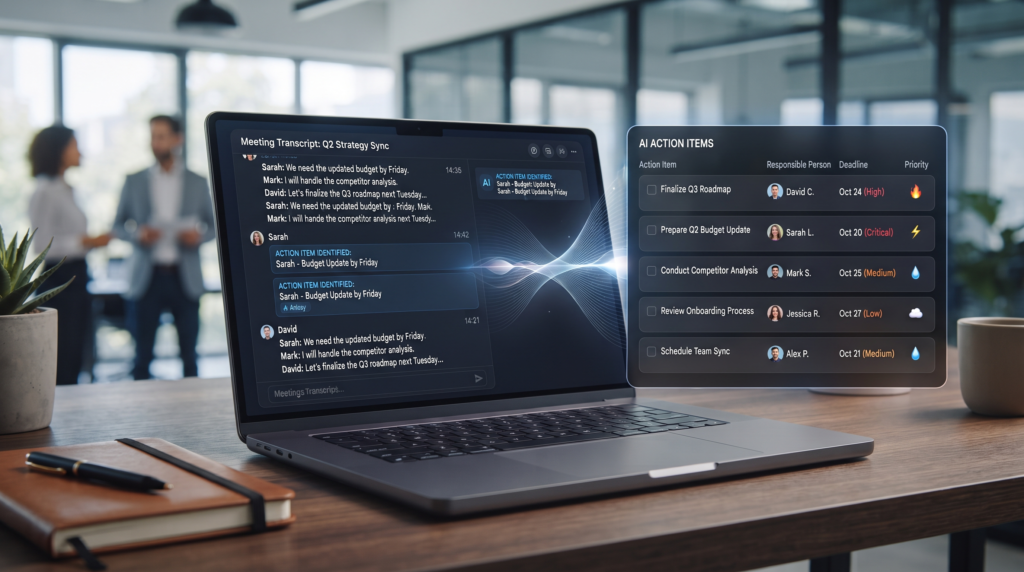
One of the most useful things AI can do with meeting notes is identify what needs to happen next. Important tasks can easily get lost in a long conversation, especially when several people are involved.
Instead of searching through the recording yourself, ask AI to extract the action items and organize them by task, responsible person, and deadline. However, only include a person or deadline when it was actually mentioned in the meeting.
AI Prompt for Finding Action Items
Review the meeting recording or transcript and identify every action item that was clearly discussed.
For each action item, provide:
- Task
- Person responsible
- Deadline
- Priority
- Relevant context
Rules:
- Only include tasks that were actually discussed.
- Do not invent a responsible person or deadline.
- If the responsible person is unclear, write “Not specified”.
- If no deadline was mentioned, write “No deadline specified”.
- Separate confirmed tasks from suggestions or ideas.
- At the end, create a short list of tasks that need clarification.
Present the results in a simple table.
📌 Example
Action Items
| Task | Responsible Person | Deadline | Priority |
|---|---|---|---|
| Review homepage design | Ahmed | Friday | High |
| Prepare blog images | Sarah | Monday | Medium |
| Confirm hosting settings | Not specified | No deadline specified | Medium |
💡 Corzelan Tip
After AI creates the action-item list, check it against the original recording or transcript. A task that sounds like a decision during a conversation may actually have been only a suggestion.
How to Create a Short Meeting Summary With AI
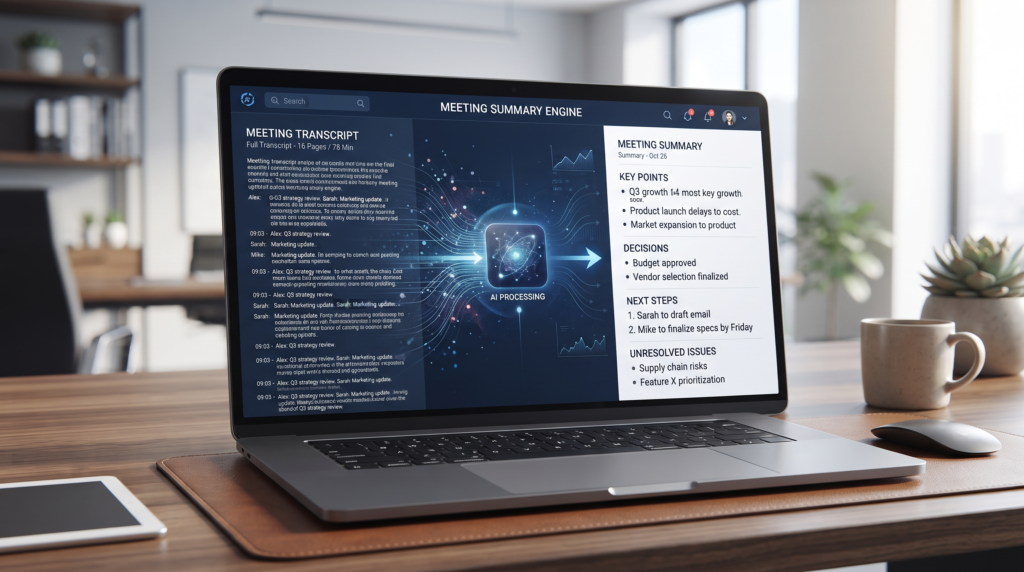
A full set of meeting notes can be useful when you need detailed information, but sometimes you only need a quick overview. AI can turn a long conversation into a summary that helps you understand the meeting without reading every note.
A good summary should focus on the purpose of the meeting, the most important points discussed, major decisions, and what happens next. It should be short enough to read quickly while keeping the information that matters.
AI Prompt for a Meeting Summary
Create a concise summary of the meeting recording or transcript I provided.
Include:
- The main purpose of the meeting.
- The 3–5 most important points discussed.
- Important decisions that were made.
- The most important action items.
- Deadlines that were clearly mentioned.
- Any unresolved issues that require follow-up.
Keep the summary clear and easy to scan.
Do not add information that was not stated in the meeting. If an important detail is unclear, label it as “Needs Verification”.
📌 Example
Meeting Summary
The team discussed the upcoming website launch and the remaining tasks before release.
Key Points
- Final website testing is still required.
- The launch content needs to be prepared.
- The homepage requires a final review.
Decisions
- The launch date will be confirmed after testing.
Next Steps
- Complete testing.
- Review the homepage.
- Prepare launch content.
Unresolved
- Final launch date.
💡 Corzelan Tip
Use the summary when you need to quickly understand what happened in a meeting. Keep the detailed notes available when you need to check a specific decision, task, or conversation later.
How to Create a Meeting Follow-Up Email With AI
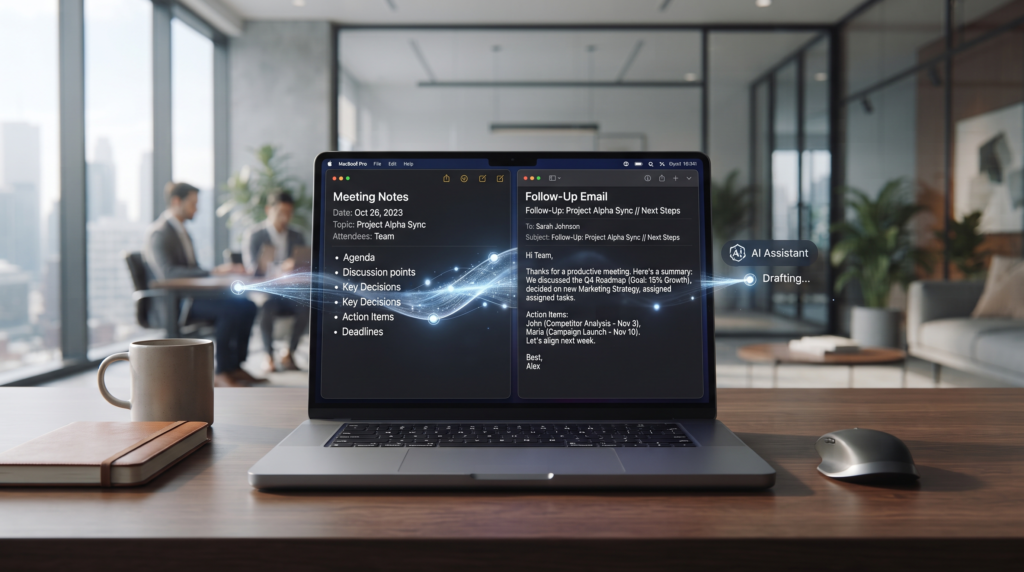
After a meeting, a short follow-up email can make sure everyone understands what was decided and what needs to happen next. Instead of writing the email from scratch, you can ask AI to turn your meeting notes into a clear and professional message.
The important part is to give AI the actual meeting information and tell it to include only confirmed decisions, tasks, and deadlines.
AI Prompt for a Meeting Follow-Up Email
Using the meeting notes I provided, write a professional follow-up email for the meeting participants.
Include:
- A short thank-you for attending.
- A summary of the main discussion.
- The important decisions that were made.
- The confirmed action items and responsible people.
- Any clearly stated deadlines.
- Any unresolved questions that require follow-up.
- A short closing asking participants to correct anything that was misunderstood.
Keep the email professional, friendly, and easy to scan.
Do not invent names, deadlines, decisions, or tasks that were not included in the meeting notes.
📌 Example structure
Subject: Meeting Follow-Up — Key Decisions and Next Steps
Hi everyone,
Thanks for joining today’s meeting.
We discussed the upcoming project launch and reviewed the remaining tasks.
Key decisions:
- Final testing will be completed before launch.
- The launch date will be confirmed after testing.
Next steps:
- Complete website testing — Friday
- Prepare launch content — Thursday
Please let me know if I missed or misunderstood anything.
Best,
[Your Name]
💡 Corzelan Tip
Always review an AI-generated follow-up email before sending it. Pay particular attention to names, deadlines, responsibilities, and decisions because a small mistake in these details can confuse.
How to Organize Meeting Notes With AI
AI can create useful meeting notes, but those notes become much more valuable when they are organized consistently. If you have many meetings, a standard format makes it easier to find previous decisions, tasks, and important information later.
You can ask AI to organize every meeting using the same structure. This makes your notes easier to scan and helps you quickly find what you need without reading the entire meeting again.
AI Prompt for Organizing Meeting Notes
Organize these meeting notes into a consistent format that I can reuse after every meeting.
Use these sections:
- Meeting Date
- Meeting Purpose
- Participants
- Main Discussion Points
- Decisions Made
- Action Items
- Deadlines
- Unresolved Questions
- Follow-Up Meeting
Keep the information concise and organized.
Do not invent missing names, dates, decisions, deadlines, or tasks. If information is not available, write “Not specified”.
📌 Recommended Format
Meeting Notes
Date: [Date]
Purpose: [Meeting purpose]
Participants: [Names]
Main Discussion Points
- Point 1
- Point 2
Decisions Made
- Decision 1
- Decision 2
Action Items
- Task — Person responsible — Deadline
Unresolved Questions
- Question 1
Follow-Up
- Next meeting or required follow-up
💡 Corzelan Tip
Use the same note structure for every meeting. Consistency makes it much easier to search your meeting history and quickly find previous decisions or unfinished tasks.
Useful AI Prompts for Meeting Recordings
Once you have a meeting recording or transcript, you can use different prompts depending on what you need. Instead of using the same summary prompt every time, specific instructions can help AI focus on decisions, tasks, questions, risks, or follow-up work.
Prompt: Find Important Decisions
Review the meeting transcript and identify every decision that was clearly agreed upon.
For each decision:
- State the decision clearly.
- Explain the relevant context in one sentence.
- Identify who made or confirmed the decision when clearly stated.
Do not include suggestions or ideas that were not actually agreed upon.
If something is unclear, label it “Needs Verification”.
Prompt: Find Deadlines
Analyze the meeting transcript and identify every deadline or important date that was mentioned.
For each date, provide:
- Task or event
- Date or deadline
- Person responsible, if clearly stated
- Context
Do not guess missing dates or responsibilities.
Prompt: Find Unanswered Questions
Review the meeting transcript and identify questions or issues that were raised but not resolved.
For each one:
- Write the question or issue.
- Explain what information is still missing.
- Identify who may need to follow up, if clearly stated.
Do not invent answers.
Prompt: Find Potential Risks
Analyze the meeting transcript and identify problems, concerns, delays, or risks that were discussed.
Separate:
- Confirmed problems
- Potential risks
- Issues that need further investigation
Only use information supported by the meeting.
💡 Corzelan Tip
You don’t need to use every prompt after every meeting. Choose the prompt based on your goal. If you’re mainly interested in tasks, use the action-item prompt. If the meeting involved important decisions, use the decision prompt as well.
AI Tools for Meeting Notes and Recordings
Different AI tools can help with meeting recordings, transcription, summaries, and action items. The best option depends on whether you need automatic recording, transcription, AI summaries, integrations, or a simple way to work with an existing transcript.
Before choosing a tool, check its current supported file types, free-plan limits, language support, integrations, and privacy settings.
Otter.ai
Otter.ai is designed for meeting transcription and AI-generated summaries. It can be useful when you want a tool that focuses specifically on capturing conversations and turning them into searchable meeting information.
Fireflies.ai
Fireflies.ai focuses on recording, transcribing, and summarising meetings. It can also help organize action items and other important information from conversations.
Fathom
Fathom is an AI meeting assistant that can help capture meetings and generate summaries and follow-up information. It is particularly useful for people who regularly have online meetings.
Notion
Notion can be useful when you want to keep meeting notes and project information together. AI features can help organize and work with information stored in your workspace.
⭐ Which Type of Tool Should You Choose?
If you need automatic meeting transcription and summaries, a dedicated meeting assistant such as Otter.ai, Fireflies.ai, or Fathom may be more suitable.
If you already have transcripts or notes and mainly want to organize them, a general AI assistant or workspace such as Notion may be enough.
Always check the current features and pricing before choosing a tool because free limits and available AI features can change.
⚠️ Privacy Reminder
Before recording a meeting, make sure you have permission to record and follow your workplace, school, or local privacy rules. Avoid uploading sensitive or confidential conversations to an AI service unless you understand how the service handles that information.
Common Mistakes to Avoid When Using AI for Meeting Notes
AI can make meeting documentation much faster, but the results are only useful when you review them carefully. A poorly checked AI summary can turn a small misunderstanding into a missed task or incorrect decision.
Trusting the AI Summary Without Checking
AI can misunderstand speakers, technical terms, or parts of a conversation. Always check important decisions, deadlines, names, and action items against the original recording or transcript.
Recording Without Permission
Before recording a meeting, make sure everyone involved is aware of the recording when required. Follow your workplace, school, organization, and local privacy requirements.
Accepting Guessed Action Items
Sometimes a discussion sounds like an assigned task even when nobody actually agreed to do it. Check that each action item was clearly assigned before adding it to your task list.
Ignoring Speaker Identification
Automatic transcription can sometimes confuse speakers, especially when people talk over each other or have similar voices. Verify who said something important before attributing a decision or task to them.
Uploading Sensitive Information Without Checking Privacy
Meeting recordings can contain confidential business information, personal information, or private discussions. Before uploading a recording to an AI service, understand the service’s privacy and data-handling policies and follow your organization’s rules.
Making Notes Too Detailed
A transcript can contain thousands of words, but your final meeting notes usually don’t need every sentence. Keep the important decisions, tasks, deadlines, discussion points, and unresolved questions while leaving unnecessary conversation out.
💡 Corzelan Tip
The best meeting workflow is not “record and forget”. Record the meeting, let AI organize the information, then quickly review the important details yourself before sharing the notes with other people.
Frequently Asked Questions
Q1
Can AI turn a meeting recording into notes?

Yes. AI meeting tools can transcribe conversations and organize the information into summaries, discussion points, decisions, and action items. The exact features depend on the tool and the type of recording you provide.
Q2
Can AI find action items from a meeting?

Yes. You can ask AI to identify tasks discussed during a meeting and organize them by responsible person and deadline. Always verify that the task and responsibility were actually agreed upon.
Q3
Can AI create a meeting summary?

Yes. AI can turn a long meeting transcript into a shorter summary containing the main discussion points, important decisions, and next steps.
Q4
Can AI write a follow-up email after a meeting?

Yes. You can provide your meeting notes or transcript and ask AI to create a professional follow-up email containing confirmed decisions, tasks, and deadlines.
Q5
What is the best AI tool for meeting notes?

There isn't one tool that is best for everyone. Dedicated meeting assistants such as Otter.ai, Fireflies.ai, and Fathom can be useful for recording, transcription, and summaries, while general AI tools can be useful when you already have a transcript or notes.
Q6
Can I use ChatGPT to summarize a meeting transcript?

Yes. If your version of ChatGPT supports the required file or text input, you can provide a transcript and ask it to summarize the discussion, identify decisions, extract action items, and organize follow-up tasks.
Q7
Should I verify AI-generated meeting notes?

Yes. You should verify important decisions, names, deadlines, numbers, and action items against the original recording or transcript. AI can sometimes misunderstand conversations or generate incorrect details.
Q8
Is it okay to record a meeting and upload it to AI?

Before recording or uploading a meeting, make sure you have the required permission and follow applicable w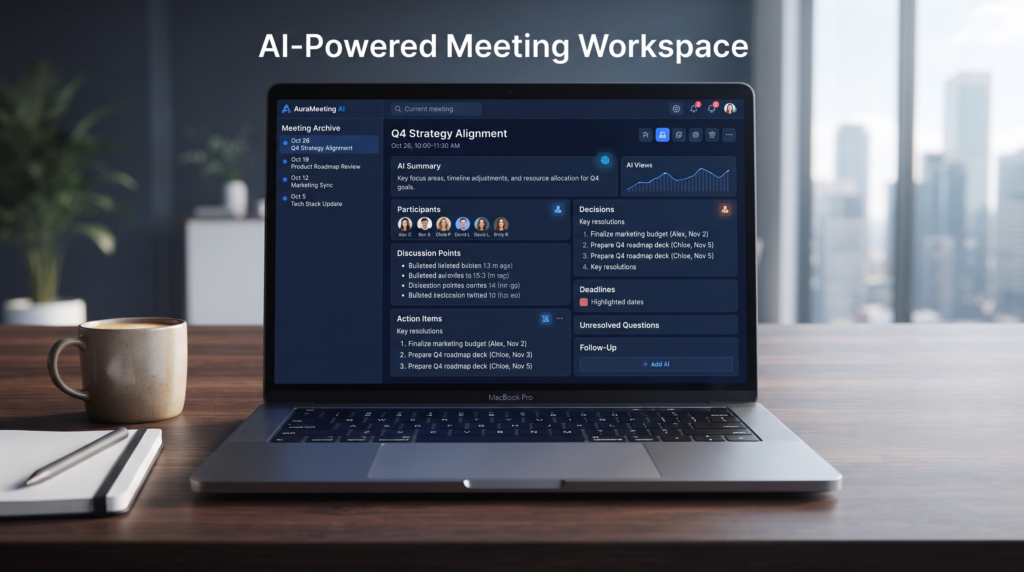
Final Thoughts: Let AI Handle the Busywork
AI can make meeting documentation much easier by turning long conversations into organized notes, clear summaries, action items, and follow-up emails.
The most useful approach is to create a simple workflow that you can repeat after every meeting: record or transcribe the conversation, use AI to organize the information, extract decisions and tasks, and then review the important details yourself.
AI should not be treated as a perfect record of what happened. Always verify important names, decisions, deadlines, responsibilities, and other critical information against the original recording or transcript.
Once you have a workflow that works for you, you can spend less time writing meeting notes and more time acting on the decisions and tasks that came out of the meeting.
⭐ Final workflow
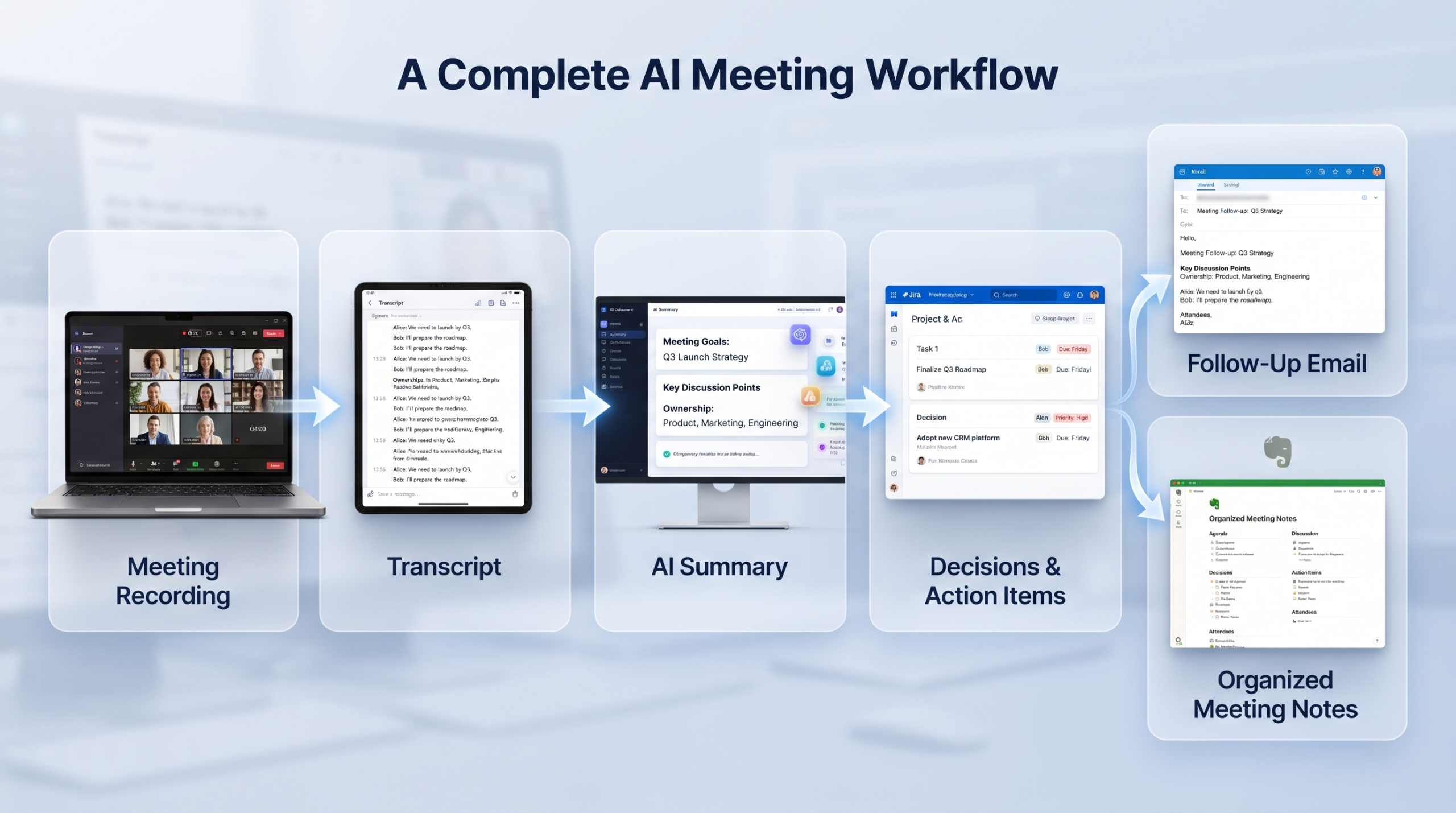
Meeting Recording
↓
Transcript
↓
AI Summary
↓
Decisions + Action Items
↓
Follow-Up Email
↓
Review & Organize