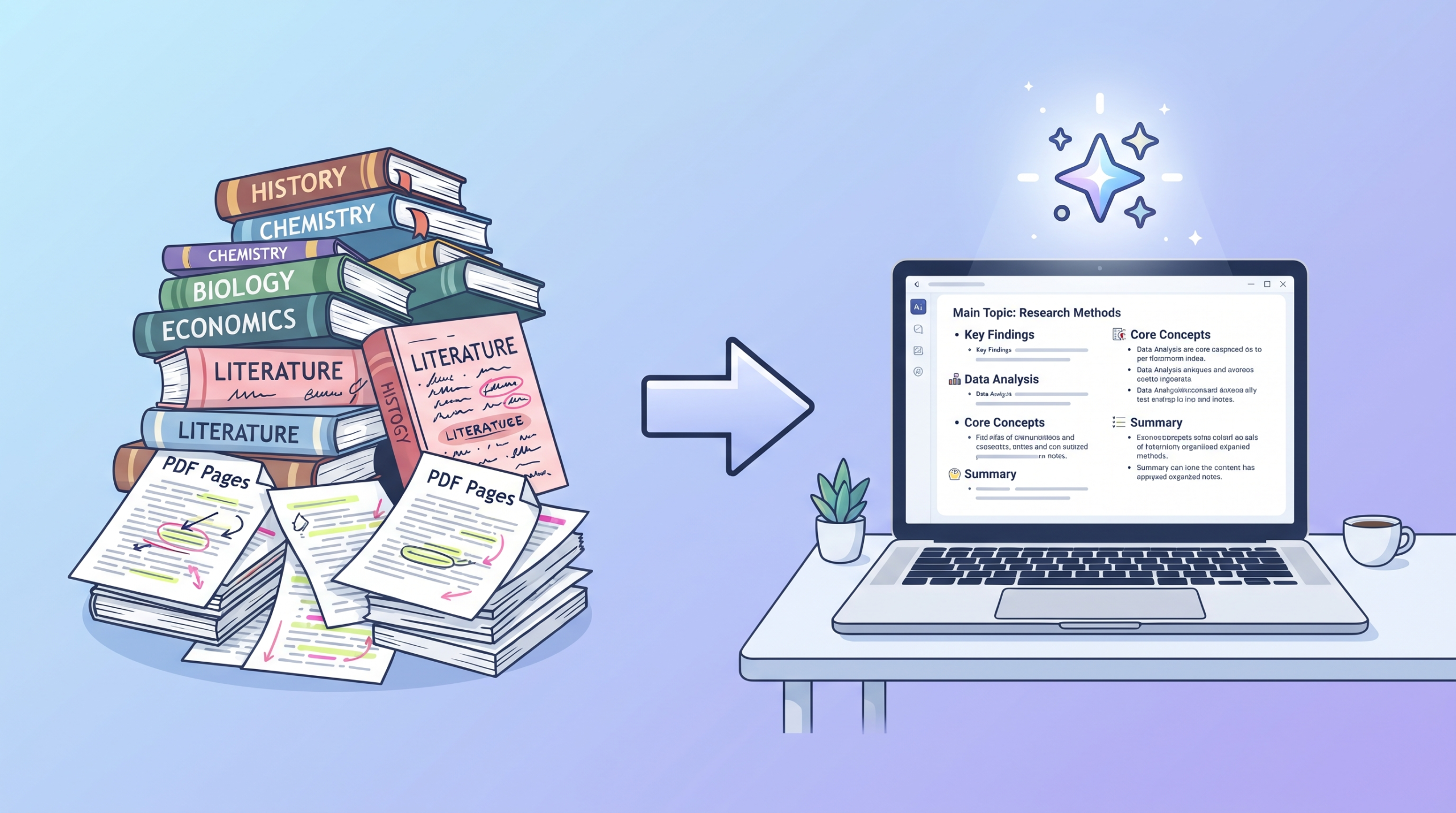
It’s 11 PM. Your exam is tomorrow morning. You have a 60-page lecture PDF open, three textbook chapters you haven’t touched, and zero hours of reading time left. Sound familiar?
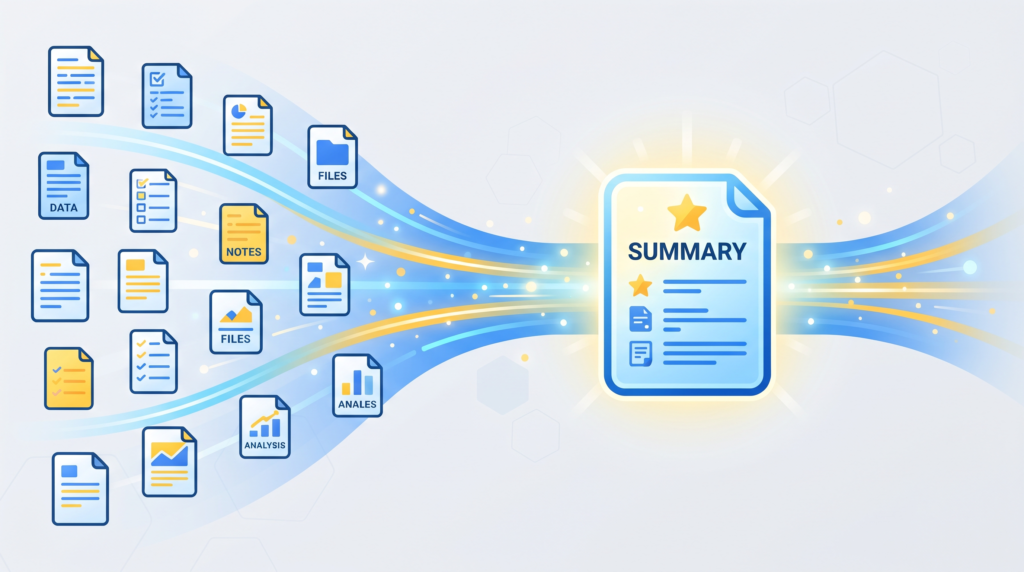
This is the exact problem AI summarisation tools were built to solve. In 2026, you no longer have to manually highlight, re-read, and copy-paste your way through dense course material. You can upload a PDF and get a clean, structured summary — key points, definitions, and even flashcards — in under a minute.
But not all AI summarisers are built the same. Some are designed for casual reading, others for heavy academic research papers, and some work better as a study companion than a one-time summariser. In this guide, we’ll walk through the 7 best free AI tools for summarising PDF notes in 2026, what each one actually does well, where it falls short, and which one fits your specific study situation.
Why Use AI to Summarise PDFs in the First Place?
Before jumping into the list, it’s worth understanding why this actually works and where it doesn’t.
What AI summarisers are good at:
- Condensing long, repetitive lecture slides into the core ideas
- Pulling out definitions, key dates, formulas, or terms buried in dense paragraphs
- Turning research papers into digestible sections (background, method, findings)
- Letting you “ask” a PDF direct questions instead of scanning for the answer yourself
- Saving hours during exam crunch time when you need to review many documents fast
What they’re not great at:
- Fully replacing deep reading for conceptually difficult material
- Catching subtle nuance a professor specifically emphasized in class
- Working perfectly on scanned/handwritten PDFs without OCR support
- Understanding highly specialized jargon without hallucinating occasionally
With that context in mind, here’s the breakdown.
ChatPDF
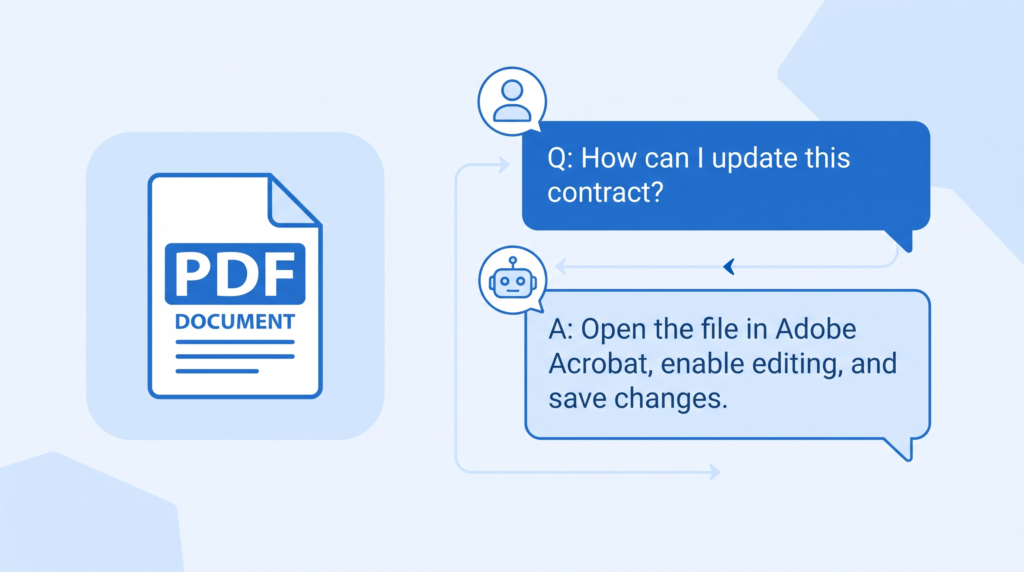
ChatPDF is one of the most straightforward tools on this list: upload a PDF, and a chat window opens where you can ask it anything about the document. Instead of getting one static summary, you can ask follow-up questions like “Summarise chapter 3 in 5 bullet points” or “What formulas are used in this document, and what do they mean?”
Why it works well for students: Lecture notes and textbooks are rarely equally important throughout — some sections matter far more for exams than others. ChatPDF lets you drill into exactly the part you’re unsure about instead of getting one generic summary for the whole file.
Best for: Students who want a conversational back-and-forth with their notes, not just a static summary.
Limitations: The free plan caps how many PDFs you can upload per day and how many pages each one can have, so it’s better suited to summarising one or two documents at a time rather than an entire semester’s worth of slides.
NoteGPT
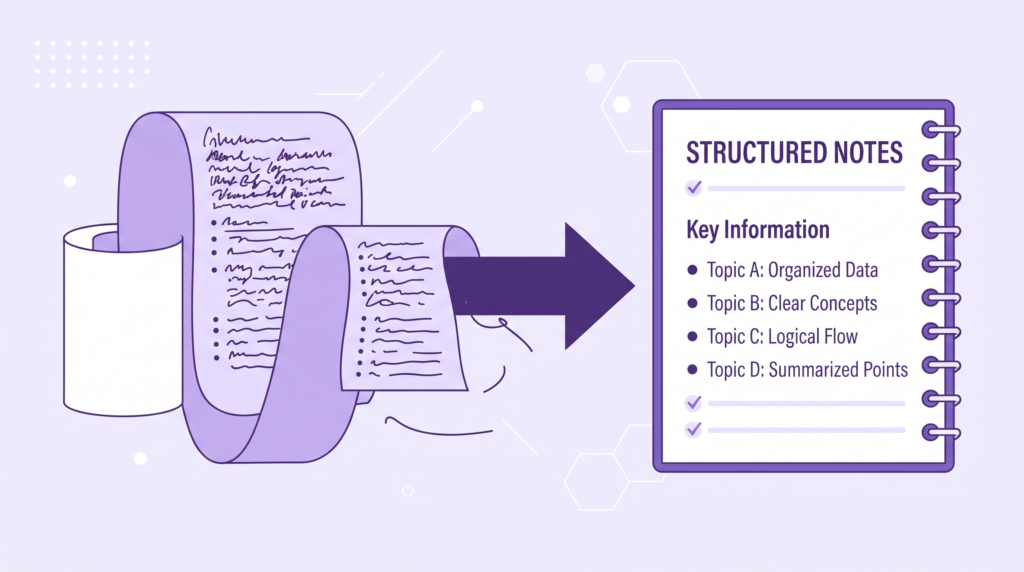
NoteGPT takes a slightly different approach — rather than a chat interface, it’s built to output structured, revision-ready notes: headings, sub-points, and bullet lists that look close to what you’d actually write by hand while studying. It also supports YouTube lecture links and slide decks, not just PDFs.
Why it works well for students: If your problem isn’t understanding the material but rather not having time to write your own condensed notes, NoteGPT effectively does that formatting work for you.
Best for: Turning a long textbook chapter or lecture slide deck into revision-ready bullet notes you can scan the morning of an exam.
Limitations: The free tier limits how many summaries you can generate per day, and very long documents may get truncated or summarised less thoroughly than paid tiers.
Claude (via claude.ai)
Claude accepts PDF uploads directly in a normal chat conversation, and it’s particularly strong at more than just shortening text – it can explain why something matters, simplify jargon-heavy academic writing into plain language, and even quiz you on the content afterward if you ask it to.
Why it works well for students: A lot of academic material isn’t just long; it’s written in dense, unfamiliar language. Claude tends to do a good job of untangling that language rather than just compressing it, which matters if the goal is actually understanding the material, not just skimming it faster.
Best for: Material that’s both long and genuinely hard to understand — not just something you need shortened, but something you need explained.
Limitations: Like most tools here, the free tier has usage limits that reset periodically, so heavy daily use across many documents may hit a ceiling.
Scholarcy
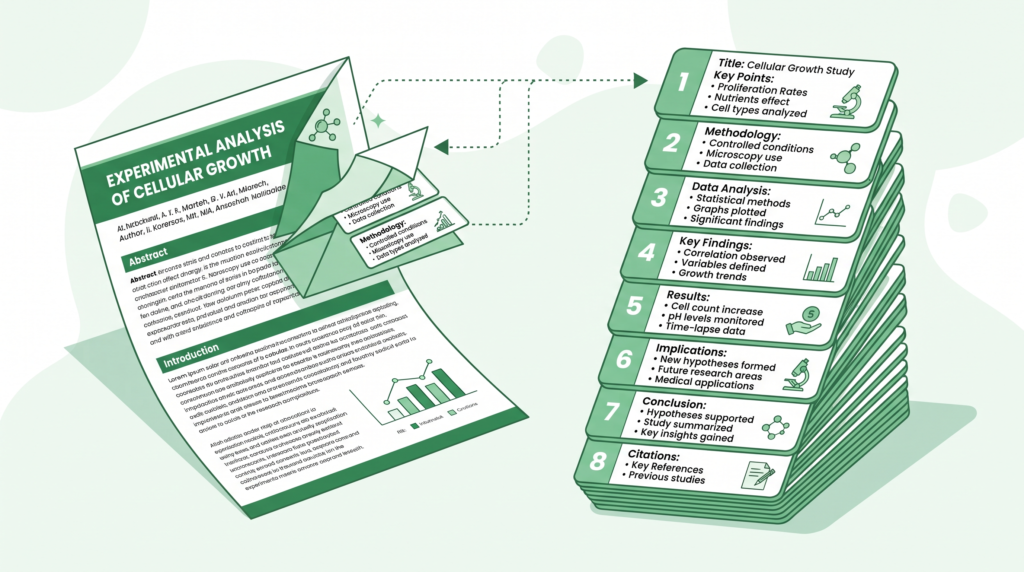
Scholarcy is purpose-built for academic and research papers rather than general lecture notes. It extracts a paper’s key findings, methodology, and reference list into a structured “summary flashcard” format, which is especially useful if you’re doing a literature review or writing a paper that cites multiple sources.
Why it works well for students: If you’re in university and regularly working through peer-reviewed journal articles, generic summarisers often miss the specific structure researchers expect (background, method, results, and conclusion). Scholarcy is built around that exact structure.
Best for: University and postgrad students working through academic journal articles rather than lecture slides or textbooks.
Limitations: It’s less useful for general coursework notes, and the free plan caps the number of article summaries you can generate per month.
SciSpace (formerly Typeset)
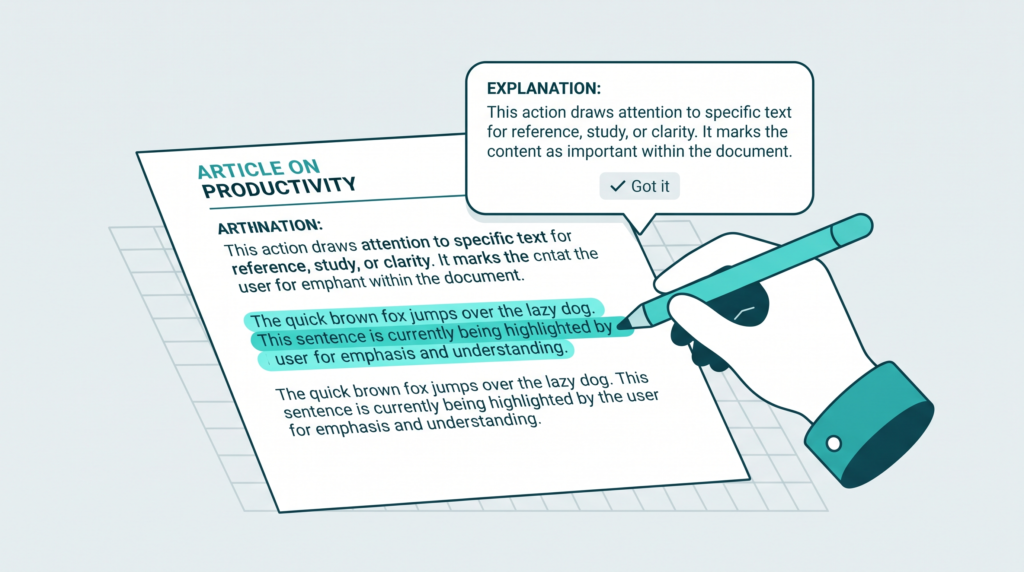
SciSpace also focuses on research papers but adds a distinctive feature: you can highlight any confusing sentence or term directly in the paper and get an instant plain-language explanation next to it, alongside a broader summary of the whole document.
Why it works well for students: STEM and science students frequently hit walls with dense technical vocabulary mid-paper. Being able to highlight just the confusing part—rather than re-reading the whole section—saves real time.
Best for: STEM, medical, and science students working through jargon-heavy academic papers.
Limitations: The free tier limits the number of summaries and highlight explanations you can use per month.
Notion AI (within Notion)
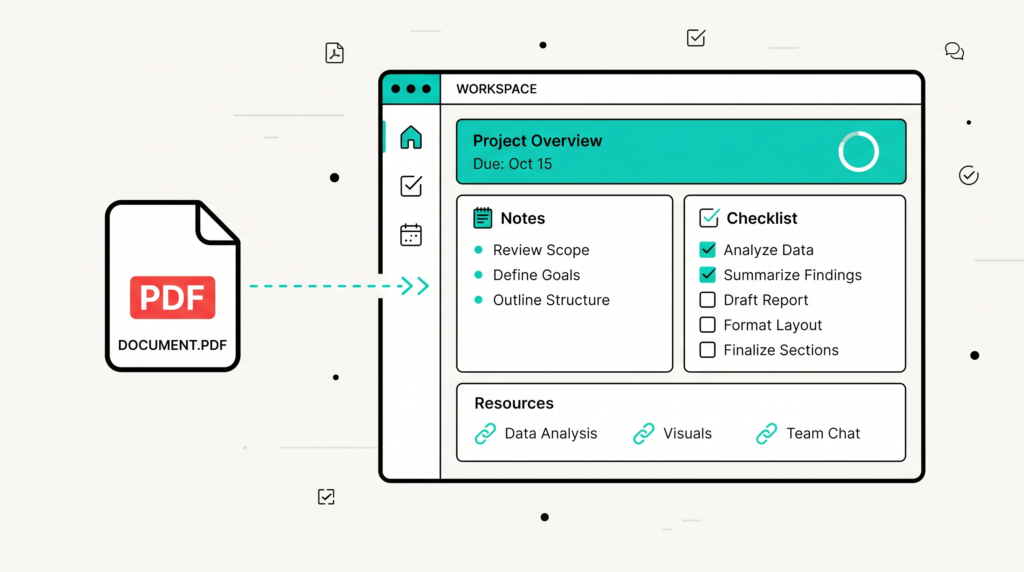
If you already keep your course notes inside Notion, its built-in AI can summarise any PDF you paste, link, or attach and drop that summary directly into your existing notes structure – no switching between apps.
Why it works well for students: A lot of the friction with AI tools comes from having your summaries scattered across five different apps. If you’re already a Notion user for organising coursework, keeping summaries in the same workspace as everything else is a real convenience.
Best for: Students who already organise their coursework, assignments, and notes inside Notion.
Limitations: Notion AI’s free plan gives you a limited number of AI actions before requiring an upgrade, and it’s not really worth adopting Notion just for this feature if you don’t already use it.
Google NotebookLM
NotebookLM stands out because it lets you upload multiple PDFs at once — for example, every lecture slide deck for an entire course — and generates a single combined summary, plus lets you ask questions that pull answers from across all the uploaded documents together, not just one at a time.
Why it works well for students: Exam revision usually isn’t about one document; it’s about tying together weeks of material. NotebookLM is one of the few tools genuinely built around that “whole course” use case rather than one file at a time.
Best for: Summarising and reviewing an entire course’s worth of material in one place, right before a big exam.
Limitations: It works best when you’re organised enough to upload material consistently throughout the semester, rather than dumping everything the night before.
Quick Comparison: Which Tool Fits Your Situation?
| Situation | Best Tool |
|---|---|
| Need a fast summary of one PDF | ChatPDF or Claude |
| Want clean, exam-ready bullet notes | NoteGPT |
| Working through research papers | Scholarcy |
| Struggling with technical/scientific jargon | SciSpace |
| Already organize notes in Notion | Notion AI |
| Reviewing a whole semester’s material at once | Google NotebookLM |
| Need the material explained, not just shortened | Claude |
How to Actually Use These Tools Effectively
Simply uploading a PDF and reading whatever comes out isn’t the most effective way to use these tools. A few tips that make a real difference:
1. Ask for a specific format.
Instead of “Summarise this”, try “Summarise this in 10 bullet points, one for each key concept” or “Give me a one-paragraph summary followed by 5 potential exam questions.” Specific prompts produce far more useful output than vague ones.
2. Cross-check anything that sounds too clean.
If a summary presents something as a fact that seems oddly specific or too neatly resolved, verify it against the original document. AI summarisers occasionally smooth over nuance or make small errors, especially with numbers and dates.
3. Use summaries as a first pass, not the only pass.
The most effective workflow is to skim the AI summary first to understand structure and key points, then go back to the original material for anything that’s unclear or heavily tested.
4. Combine tools for different jobs.
There’s no rule that says you need to pick just one. Many students use NotebookLM for whole-course review, then Scholarcy or SciSpace specifically when a research paper comes up, and Claude when they hit a concept they genuinely don’t understand.
5. Don’t skip the source entirely for high-stakes exams.
A summary is a compression of the original — by definition, something gets left out. For your most important exams, use summaries to prioritise your time, not to replace reading altogether.
Frequently Asked Questions
Are these AI tools actually free, or is there a hidden catch?
All seven tools have genuinely usable free tiers, though each caps usage differently — some limit the number of PDFs per day, others limit total pages or AI actions per month. For occasional use during exam season, the free tiers are generally enough. Heavy daily use across a full course load may eventually push you toward a paid plan.
Can these tools summarise handwritten notes?
Most of these tools work best with digital, text-based PDFs. Scanned handwritten notes typically need OCR (optical character recognition) processing first, and results vary a lot depending on handwriting legibility. If you’re working from handwritten notes, look for a summariser that explicitly supports OCR or convert your notes to typed text first.
Will my professor be able to tell if I used an AI summary to study?
Using AI to summarise your own study material for personal revision is different from submitting AI-generated work as your own — the former is simply a study technique, similar to using flashcards or study guides. That said, always check your specific institution’s academic integrity policy, since rules do vary.
Which tool is best for a completely free, no-signup option?
ChatPDF and NotebookLM both offer meaningful free usage with minimal setup. NotebookLM only requires a Google account, which most students already have.
Can I use these tools for group study?
Yes—several students commonly share a generated summary within a study group rather than each person independently reprocessing the same material, which saves everyone time. Just make sure whoever generates the summary double-checks it for accuracy before it’s distributed.
Common Mistakes Students Make With AI Summarizers
Even with the right tool, it’s easy to use AI summarisation in a way that hurts more than it helps. Here are the mistakes worth avoiding:
Treating the summary as the final answer. A summary is meant to orient you quickly, not to be the last thing you read before an exam. Students who only ever read the AI output and never touch the source material tend to miss connective details that professors specifically test – the “why” behind a concept, not just the “what”.
Uploading messy or poorly scanned PDFs and expecting clean results. If your source document has skewed scans, missing pages, or garbled text from a bad photocopy, the AI summary will inherit those same problems. ‘Garbage in, garbage out’ applies just as much here as anywhere else.
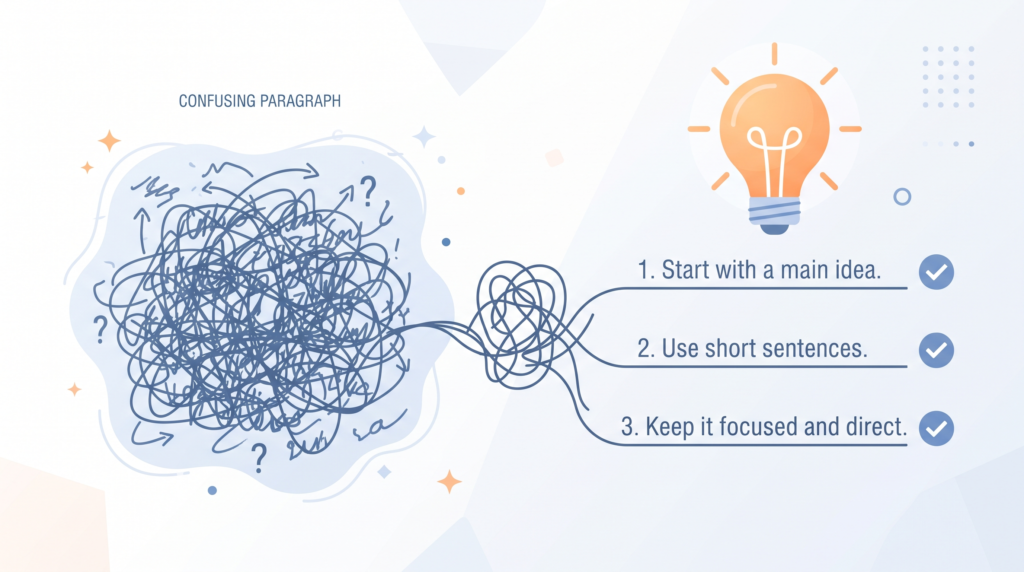
Not specifying what “summarise” actually means to you. A vague prompt like “summarise this” can return three sentences or three pages depending on the tool and the document. Being specific about length, format, and focus area consistently produces better, more usable output.
Relying on a single tool for every type of material. A tool built for research papers (like Scholarcy) will handle a 40-page thesis differently than a tool built for lecture slides (like NoteGPT). Using the wrong tool for the wrong material often means missing details the tool simply wasn’t designed to catch.
Skipping verification on numeric or factual details. AI models can occasionally misstate a number, date, or specific claim, especially in dense technical material. For anything you plan to write down as fact in an exam answer, it’s worth a 10-second cross-check against the original text.
What to Look for When Choosing an AI PDF Summarizer
If none of the seven tools above feels like a perfect fit, or you’re evaluating other options as they come out, here’s what actually matters when comparing AI summarisers for coursework:
Page and file limits on the free tier. Some tools cap you at a small number of pages per document, which matters a lot if you’re working with entire textbook chapters rather than short handouts.
Whether it supports follow-up questions, not just one static summary. Static summaries are useful, but the ability to ask “explain this part again” or “give me 5 practice questions from this material” adds real study value beyond simple compression.
How it handles formatting like tables, formulas, and diagrams. Math- and science-heavy coursework often loses meaning if a tool only processes plain text and ignores embedded formulas or tables. Check whether a tool explicitly supports this before relying on it for STEM material.
Whether your data or uploaded content is used to train the model. Some free tools use uploaded content to improve their systems by default. If you’re uploading your own notes or unpublished research, check the tool’s privacy policy for how your documents are handled.
Export options. A summary trapped inside a chat window is less useful than one you can export to a doc, copy into your existing notes, or share with a study group. Tools that support easy export tend to fit more naturally into an actual study routine.
Building a Study Workflow Around AI Summarizers
Rather than treating these tools as a last-minute panic button the night before an exam, they tend to work best woven into a routine throughout the semester:
During the semester: As each lecture or reading is assigned, run it through a summariser immediately while the material is fresh, and save the output alongside your own notes. This turns exam week into a review process instead of a first encounter with the material.
Before a quiz or test: Use a tool like NoteGPT or Claude to generate a condensed, bullet-point version of just the sections likely to be tested, based on your syllabus or study guide.
Before a major exam: Bring everything together with a tool like Google NotebookLM, uploading the full set of materials for the course so you get one unified summary and can ask cross-document questions like “Which topics show up across the most lectures?”
When writing a paper, use Scholarcy or SciSpace specifically for the research papers you’re citing so you can quickly compare findings across multiple sources without re-reading each one in full.
Building this into a habit — rather than reaching for it only in a crisis — is where these tools genuinely start saving meaningful time rather than just patching a last-minute problem.
The Bottom Line
AI summarisation tools won’t replace genuine understanding of your course material, but they’re genuinely useful for cutting down the time it takes to get orientated in a large amount of text — especially during exam crunch periods when time, not effort, is the scarce resource.
If you only try one tool from this list, start with ChatPDF or Claude for single documents and Google NotebookLM the moment you need to tie together an entire course’s worth of material. From there, add Scholarcy or SciSpace into your toolkit specifically for research papers.
Looking for more free AI tools to make studying easier? Check out our guides on turning lecture slides into flashcards and turning meeting recordings into notes.